![Neeve-Logo-Lockup-SM_rectangle_reverse .png]](https://support.neeve.ai/hs-fs/hubfs/Neeve-Logo-Lockup-SM_rectangle_reverse%20.png?height=40&name=Neeve-Logo-Lockup-SM_rectangle_reverse%20.png)
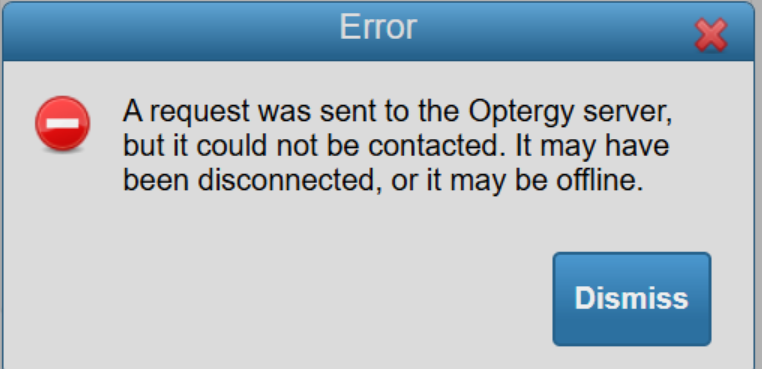
Steps to Resolve Optergy Server Connection Error
- Log in to the remote access portal, select Optergy, and check if you are able to log in or if you receive the connection error.
- Go to your connections and click Modify Connection.
- Enable the toggle for Apply default rules and save the connection.
- Try logging in again with your current credentials.