![Neeve-Logo-Lockup-SM_rectangle_reverse .png]](https://support.neeve.ai/hs-fs/hubfs/Neeve-Logo-Lockup-SM_rectangle_reverse%20.png?height=40&name=Neeve-Logo-Lockup-SM_rectangle_reverse%20.png)
1. Login to the Secure Edge and select the node to enable Threat Intelligence.
2. Click Manage Node and select Edit.
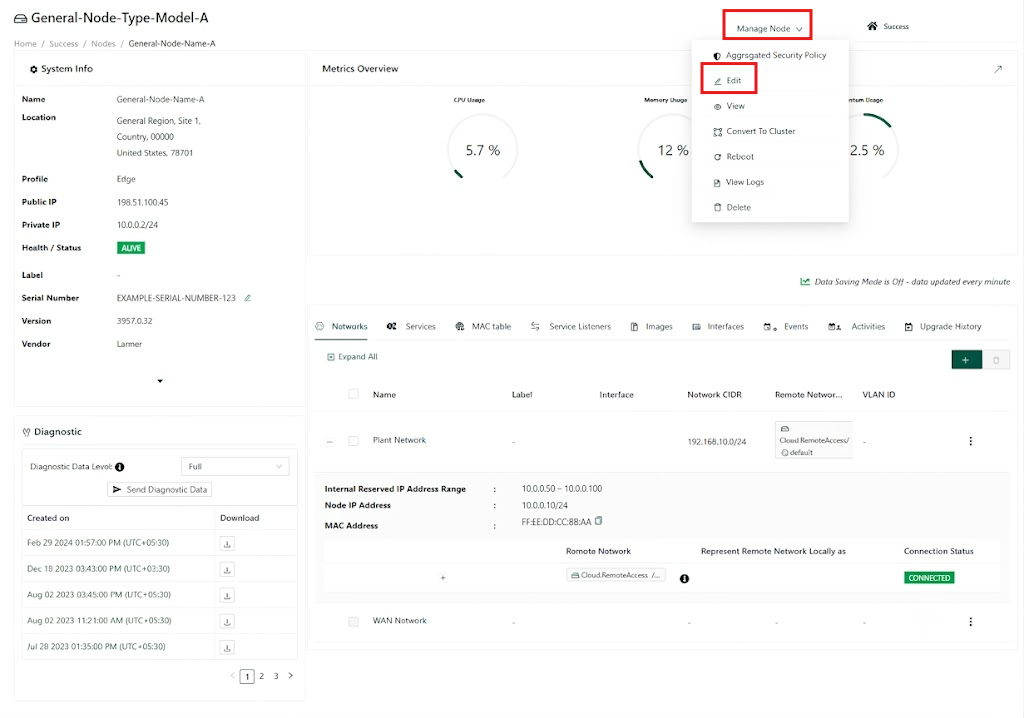
3. In the Edit Node page, scroll to Advanced Settings.
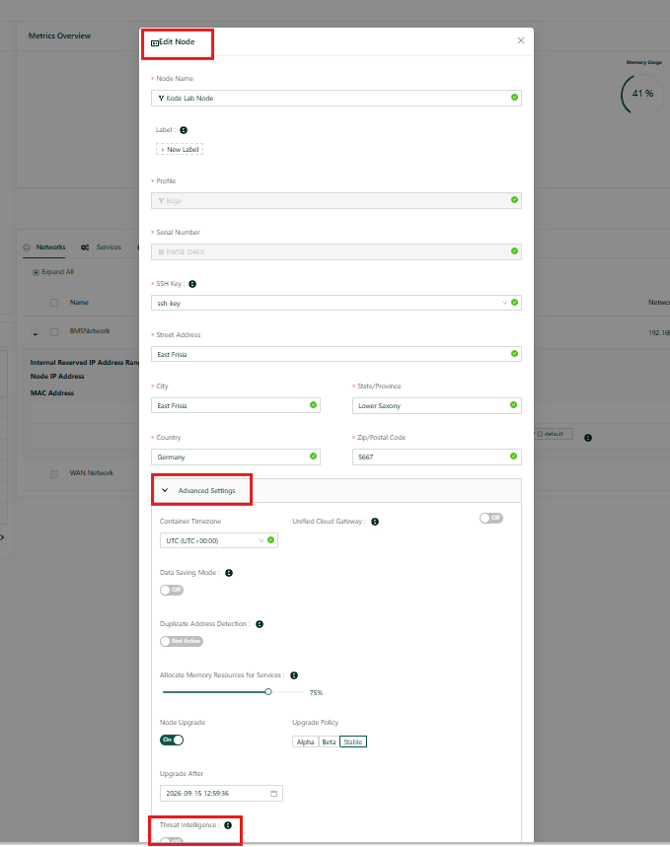
4. Enable Threat Intelligence, as highlighted below.
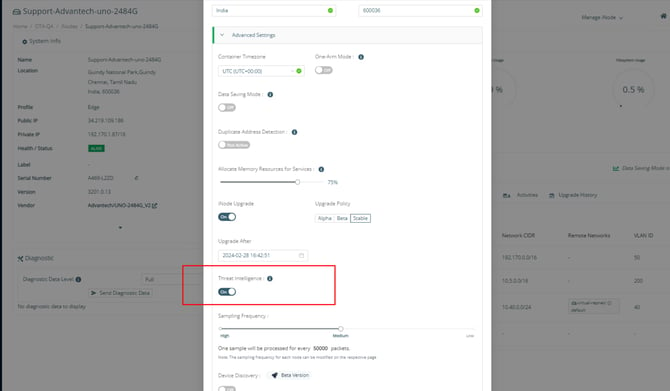
5. Return to the node’s main page and click Threats next to Device Discovery.
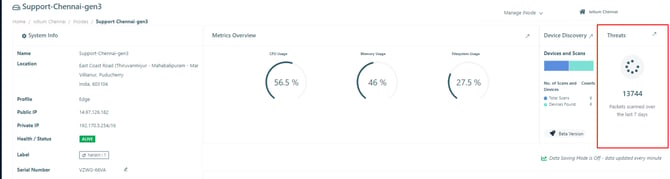
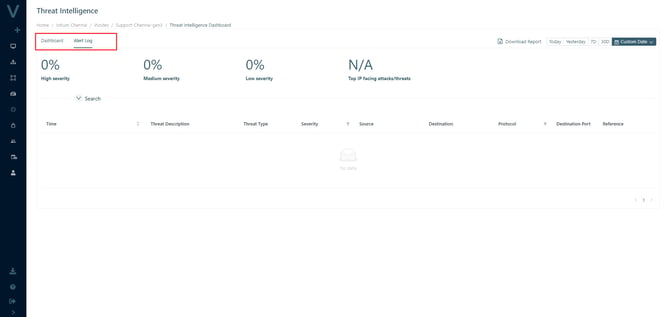
6. Open the Dashboard to see how many packets Threat Intelligence has scanned.
7. Open Alert logs to review the generated events.