![Neeve-Logo-Lockup-SM_rectangle_reverse .png]](https://support.neeve.ai/hs-fs/hubfs/Neeve-Logo-Lockup-SM_rectangle_reverse%20.png?height=40&name=Neeve-Logo-Lockup-SM_rectangle_reverse%20.png)
Device Onboarding
Pre-requisite:
- Administrator access is required to onboard a device.
- Ensure that the required site is configured before onboarding the device.
- Log in to the Neeve Portal using your credentials.
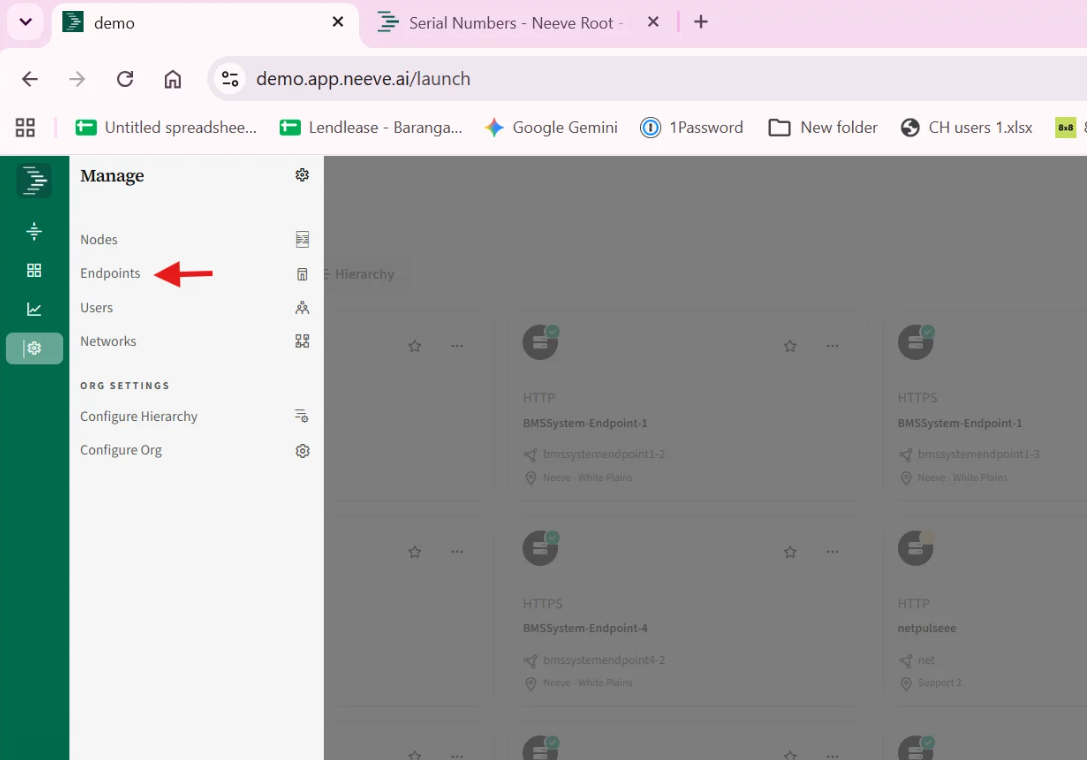
- Go to Settings and select Endpoints.
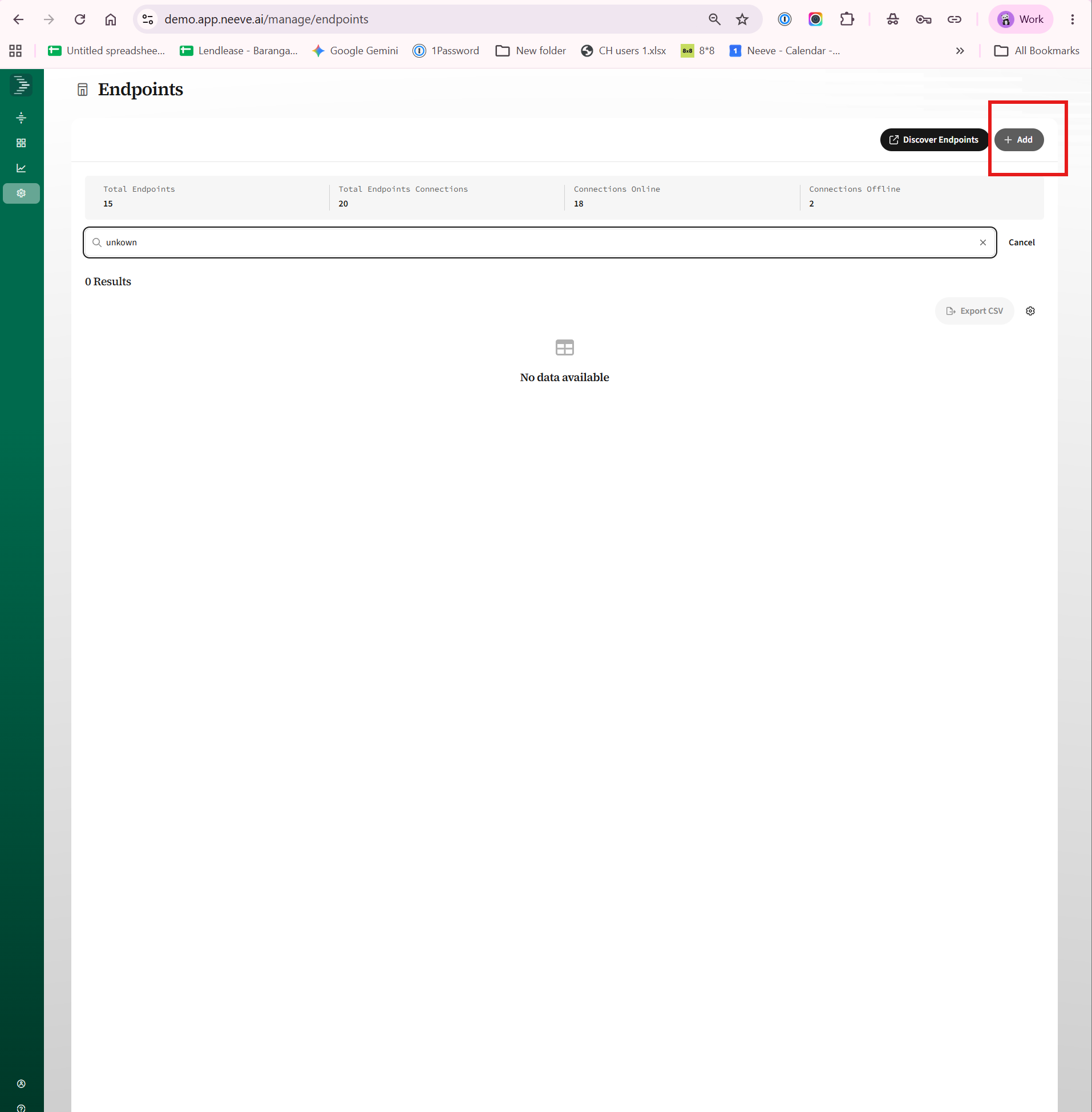
- On the Endpoints page, click Add in the top-right corner.
- Enter the required details, including Site, Node, Network, Device IP address, and Endpoint Name.
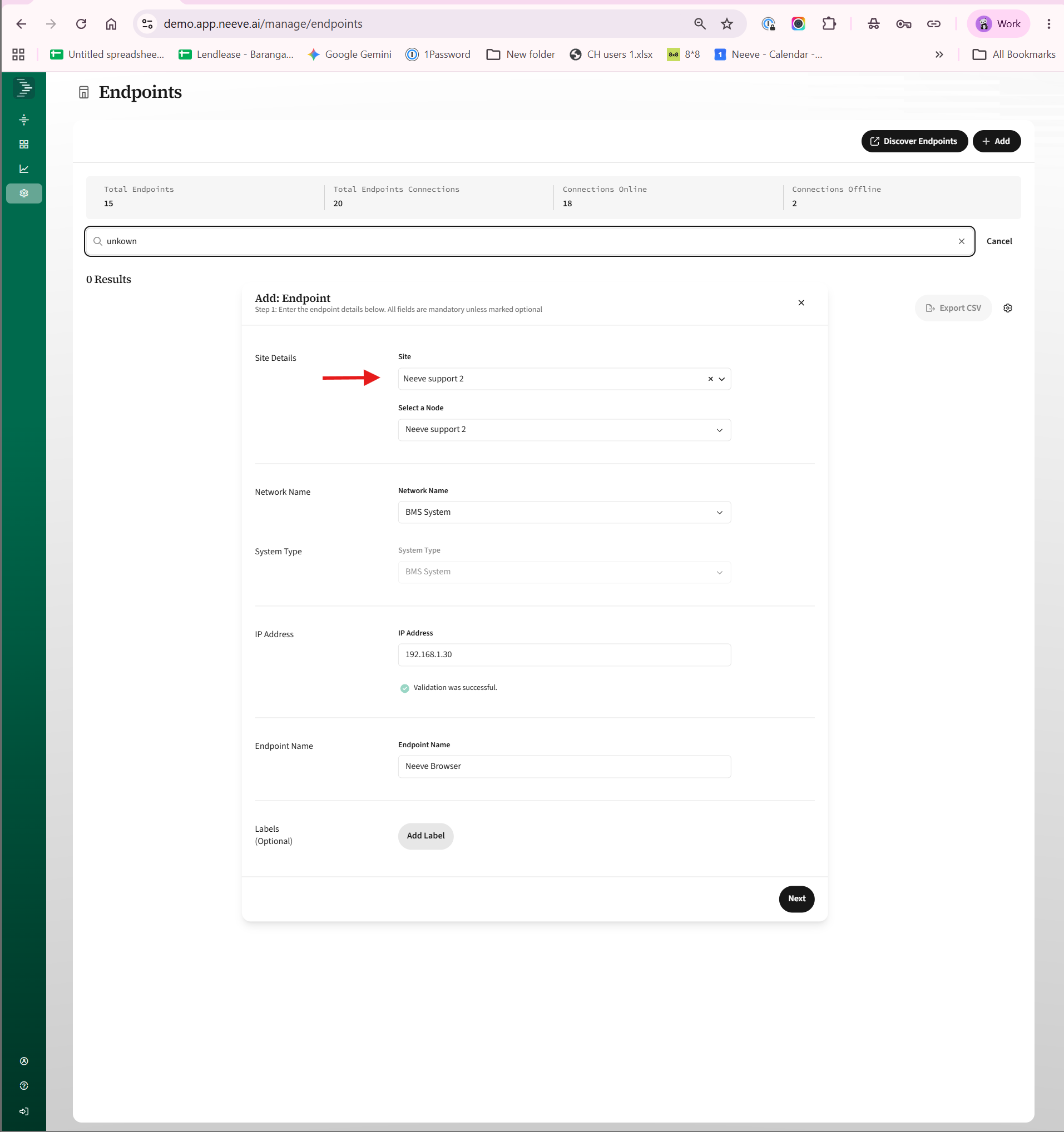
- Click Next to continue.
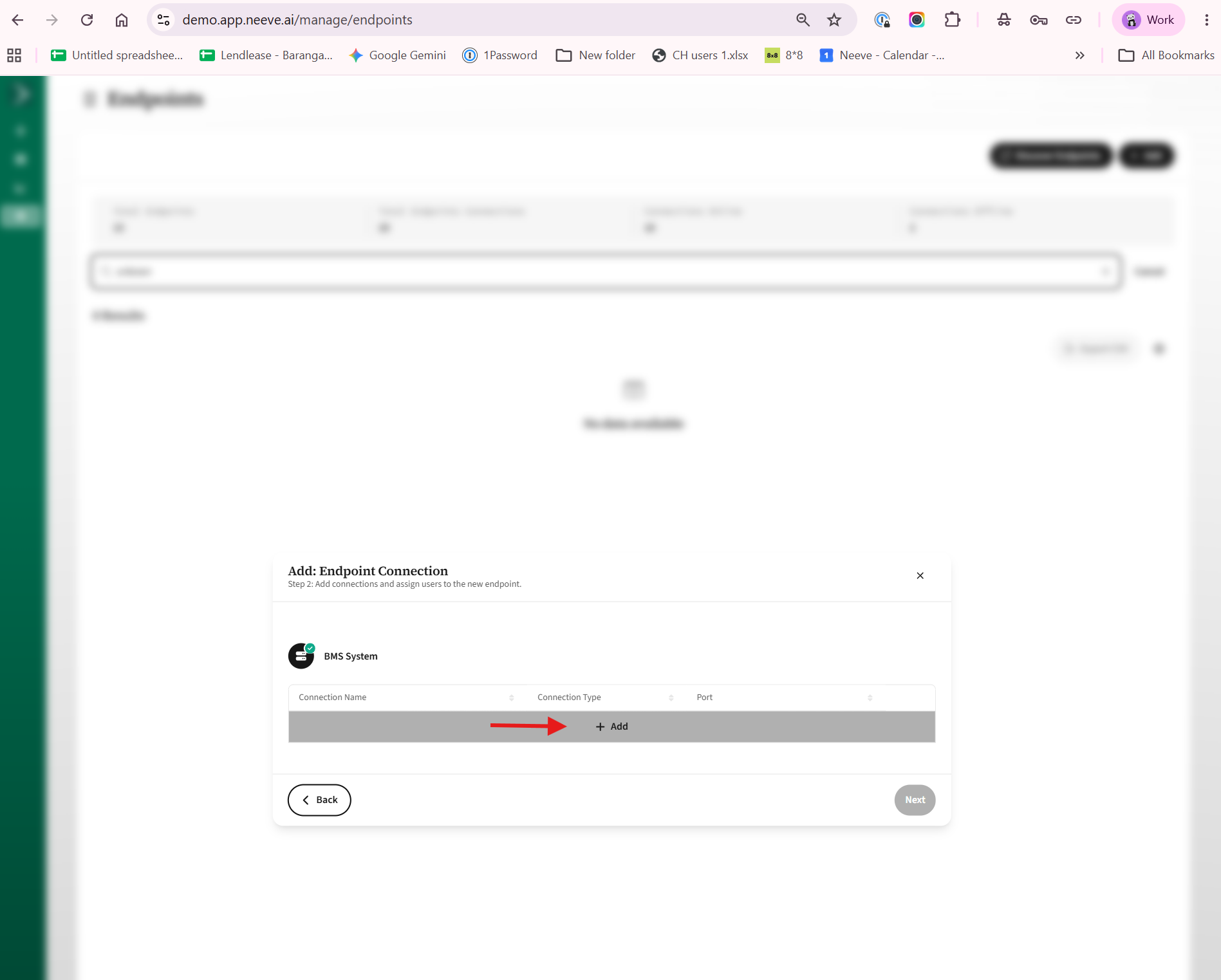
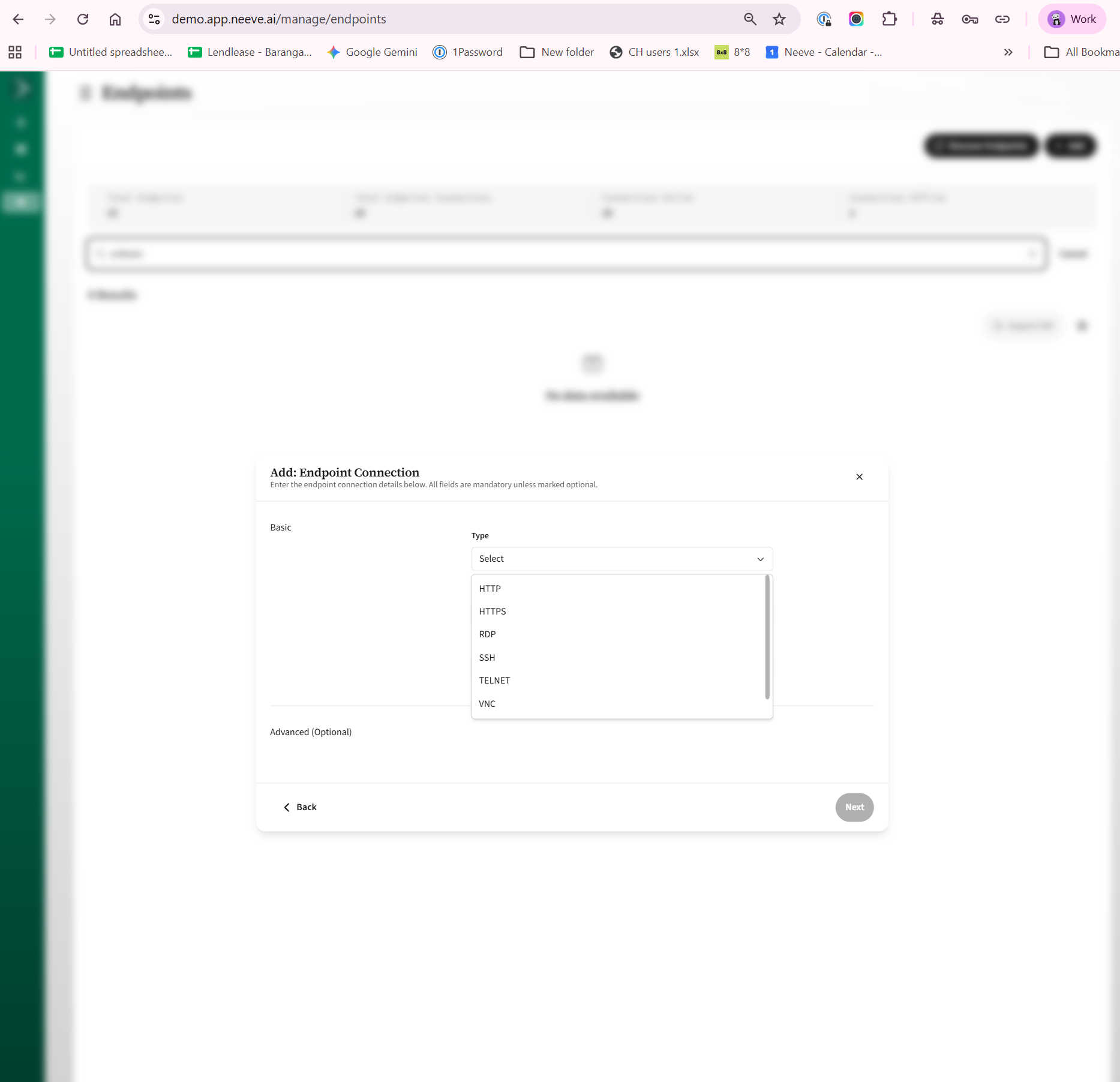
- Select the required Connection Type, such as HTTP, HTTPS, or RDP.
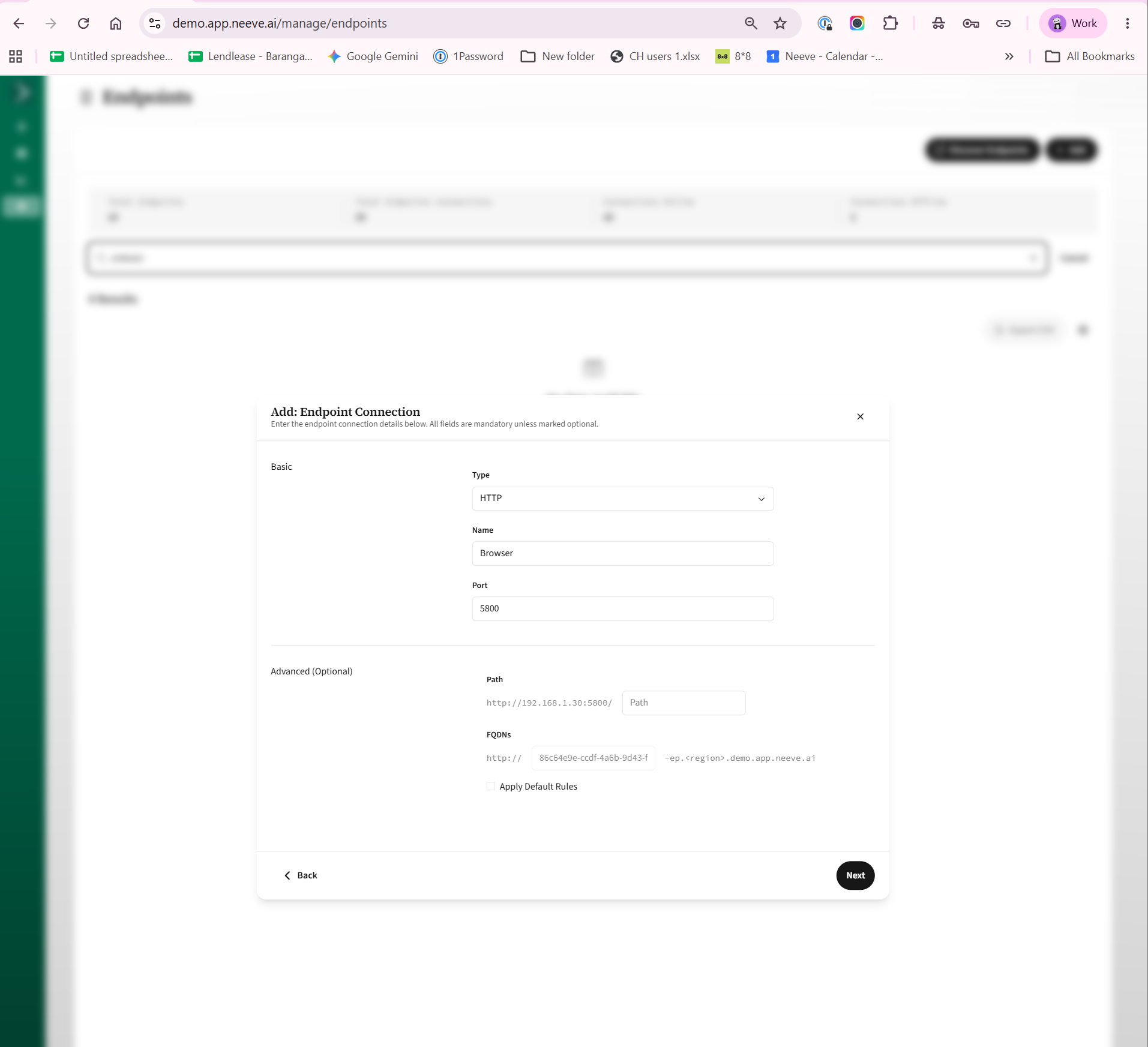
- Enter the Connection Name and Port.
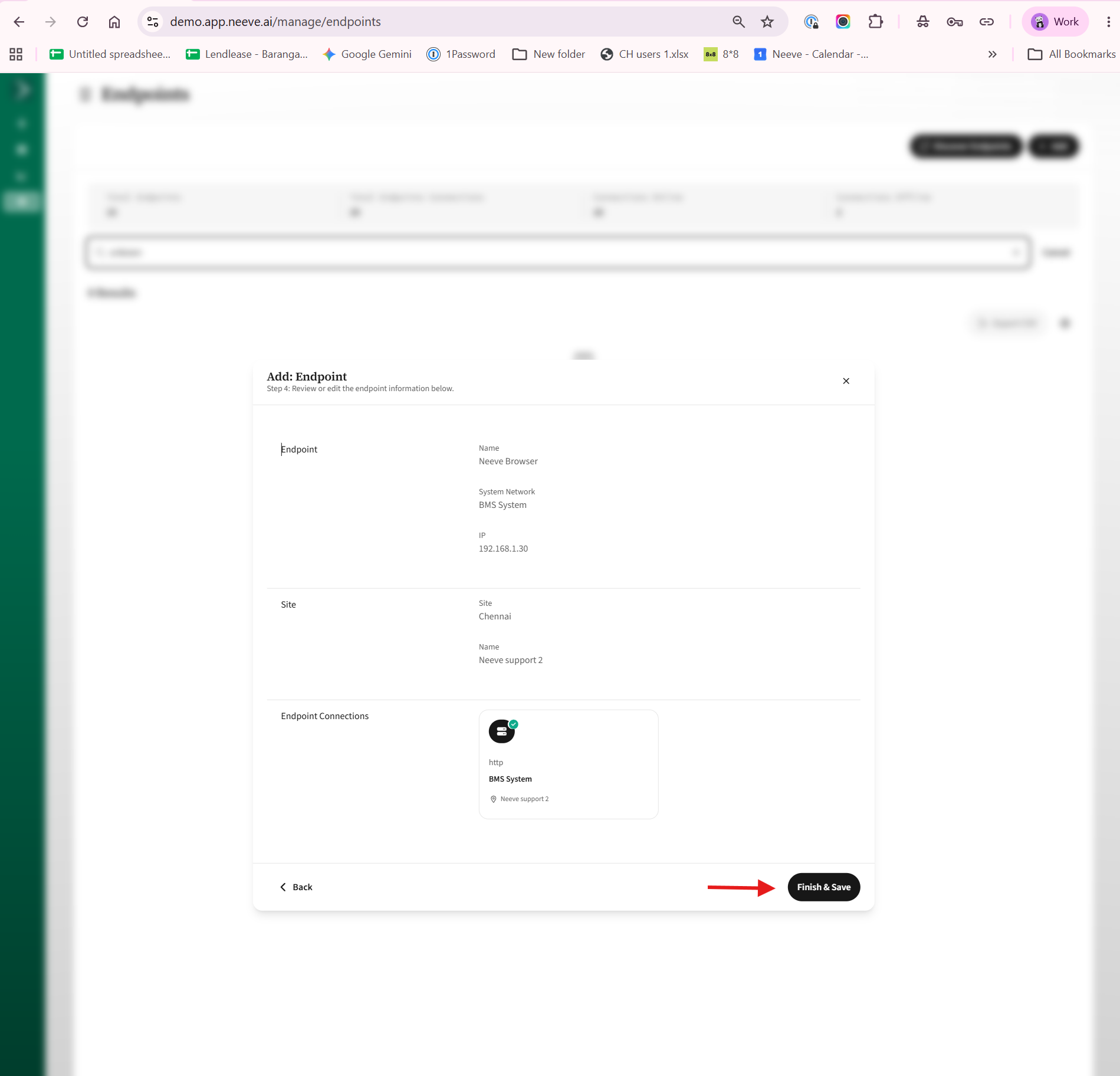
- Click Next, then click Finish and save the configuration.
- Once successfully created, the endpoint will appear on the Launcher page. From the Launcher page, simply click the endpoint to access the device.